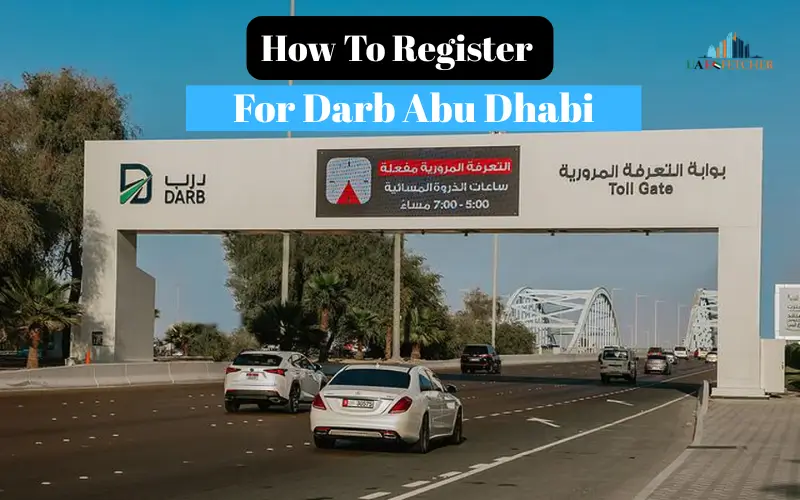
There is a Darb toll system located in Abu Dhabi that requires all vehicles that pass through toll gates in the peak times to be registered as well as linked to the Darb wallet. If you are a new user, in 2026, understanding the process of registration allows for a seamless commute, helps avoid penalty charges, and ensures smooth payment of tolls.
This document provides step-by-step directions for tourists, residents, as well as businesses on how to sign up successfully. The guide also explains how to set up a wallet as well as vehicle linkage and authentication.
Who Needs to Register for Darb?
| Category | Requirement |
| Residents | Must register using the Emirates ID and vehicle registration. |
| Tourists / Visitors | Can register using a passport and temporary vehicle details. |
| Business / Fleet Vehicles | Registration via a company account for multiple vehicles. |
Step-by-Step Darb Registration Process
Step 1: Download the Darb App
- Available for iOS and Android.
- Official application ensures safe enrollment and manages wallets.
Step 2: Create a New Account
- Residents: Type in Emirates ID or mobile number and email.
- Tourists: Type in the passport number, mobile phone, and email.
- Make a safe password and verify login credentials.
Step 3: Add Vehicle Details
- Enter the license plate number, vehicle model, as well as registration information.
- Make sure that the information is in line with the official document to avoid a fine.
Step 4: Link Payment Method
- The options include:
- Darb wallet recharge via debit/credit card.
- Abu Dhabi Pay integration
- Automatic deduction set-up for balance recharge
Step 5: Wallet Setup
- A top-up wallet that is at least AED 20 is order to begin.
- If you wish, enable auto-recharge to ensure that there is no insufficient balance.
Step 6: Verify Account
- Verify registration by sending a text message or email to confirm.
- Make sure the car is connected to the Darb accounts and that the wallet is current.
Step 7: Optional Darb Tag
- A Darb tag could be attached to make it easier for automatic identification at gates for tolls.
- It is recommended for those who commute frequently.
Tips for New Users
- Make sure your wallet is always topped up in order to keep it from being a source of penalties.
- Double-check vehicle information during registration.
- Update your contact information for updates and notifications.
- You can apply for exemptions if you are you are eligible (People of Determination, senior citizens, and others).
- Monitor your wallet’s activity regularly as well as transactions.
Conclusion
Signing up to use Darb tolls in 2026 is easy. Darb toll system for 2026 is straightforward If you follow these procedures: download the application to create an account, connect your car to the account, create a wallet, and then verify your information. Be aware of the system to ensure smooth commutes and automated payment of tolls, as well as hassle-free travel throughout Abu Dhabi
FAQs
Q1: Am I able to register as a tourist in Abu Dhabi?
Tourists can sign up by submitting passport data along with a temporary vehicle registration.
Q2: What is the time frame for the registration process?
It’s quick and easy to do through the Darb application; however, the process of activating your wallet could be a matter of a few minutes.
Q3: Is having a Darb tag required?
However, it can speed up recognition of cars and can be beneficial in frequent crossings of tolls.
Q4: What should I do if I have registered the wrong plate number?
False information can lead to the issuance of fines. Make sure you have the correct details about the license plate and registration.
Q5: Are businesses able to have multiple vehicles registered at the same time?
Yes, with a fleet or company account. This allows the management of large numbers of vehicles as well as the payment of bills.
Last modified: January 1, 2026