
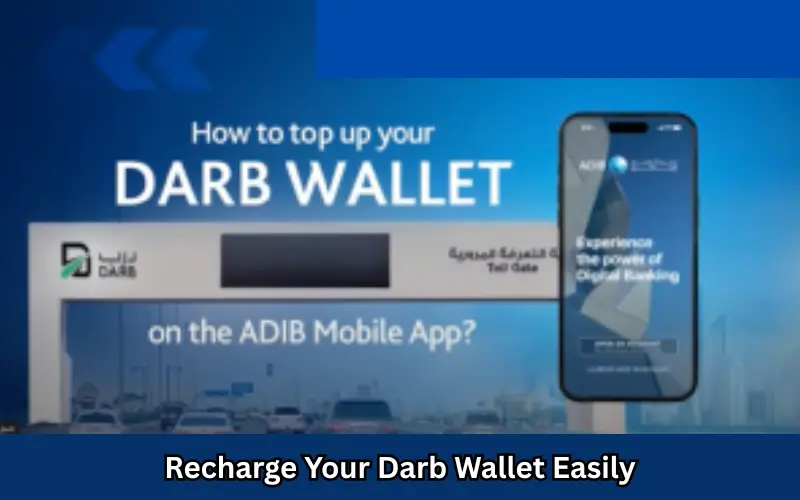
It is the Darb Toll Gate System in Abu Dhabi requires all drivers to have an active Darb wallet that allows them to pay tolls promptly. If your Darb wallet is properly funded, you can enjoy the smoothest travel without having to pay penalties. This guide will show you the easy, secure, and convenient methods to replenish your Darb wallet, regardless of whether you’re a resident visitor or a business consumer.
Why Keep Your Darb Wallet Funded?
Keeping your balance within your Darb money account is vital for the following reasons:
- The toll fee is automatically refunded when you enter the Darb gates.
- A lack of balance could result in the possibility of fines.
- The real-time notification system helps you keep track of your expenditure.
- Allows for contactless, hassle-free transport throughout Abu Dhabi.
Ways to Recharge Your Darb Wallet
| Method | Steps to Recharge | Notes |
| Darb Mobile App | 1. Open the Darb app
2. Log in 3. Go to Wallet & Payments 4. Choose top-up amount 5. Pay via card |
Instant credit update and real-time notifications |
| Abu Dhabi Pay | 1. Open Abu Dhabi Pay app
2. Select the Darb wallet 3. Enter vehicle details 4. Choose payment method 5. Confirm payment |
Supports bank cards, Apple Pay, Google Pay |
| Auto-Deduction via Card | 1. Link a credit/debit card to the Darb wallet
2. Enable auto-recharge threshold 3. Wallet automatically refills when low |
Prevents accidental fines due to a low balance |
| Online Portal Recharge | 1. Visit the Darb official website
2. Log in to the account 3. Select “Recharge Wallet” 4. Enter payment info 5. Confirm |
Useful for residents or business fleets |
Step-by-Step Guide: Use the Darb App to Recharge
- Download and install: Available on iOS and Android.
- Log in: Enter the password on your Emirates Identification (residents) or your passport (visitors).
- Go to Wallet: Tap on Wallet & Payments.
- Select amount: Pick the amount you want to top up (AED 50, 100, 200, or a custom amount).
- Payment Methods: Pay by debit card or credit card.
- Confirmation: Your balance in the wallet will be immediately updated, and a text message will be received.
Tips to Avoid Wallet Issues
- Make sure you have an amount of AED 20 so that you do not incur fines.
- Set auto-recharge to help prevent low-balance problems.
- Make sure you update your payment method before your credit card is due to expire
- Always check your wallet’s history on the Darb app to ensure transparency.
Daily & Monthly Wallet Management Table
| Feature | Recommended Usage | Notes |
| Minimum Balance | AED 20 | Ensures no toll fines |
| Auto-Recharge | AED 30 | Triggers automatic top-up |
| Monthly Review | Check total toll charges at month-end | Helps budget frequent commuting |
| Wallet History | Review weekly | Detect unauthorized charges or errors |
Conclusion
The process of recharging the Darb wallet is straightforward, swift, and necessary to ensure a smooth journey across Abu Dhabi. Through the Darb application, Abu Dhabi Pay, or automatic deduction, making sure your Darb wallet is fully charged ensures smooth toll payment, avoids penalties, and lets you use Abu Dhabi’s efficient transport system.
FAQs:
Q1: Can travelers charge their Darb wallet?
Yes, travelers can recharge using the Darb app with their passports and linked cards.
Q2: What’s the speed of the charge?
Charges made via the app, on the online portal, as well as Abu Dhabi Payinstan, with real-time confirmation.
Q3: Is it possible to set an auto-top-up for the Darb account?
You can turn on auto-recharge on the app for your wallet to recharge it when it is below a specific amount.
Q4: What will happen when my account is unable to maintain funds?
A penalty will be assessed when you go through the atoll barrier without sufficient funds. Make sure you keep a certain amount.
Q5: Do you have different options for payment methods to recharge your wallet?
Yes, wallets can be recharged using credit cards, electronic wallets, Abu Dhabi Pay, or the online portal.
Last modified: November 18, 2025